
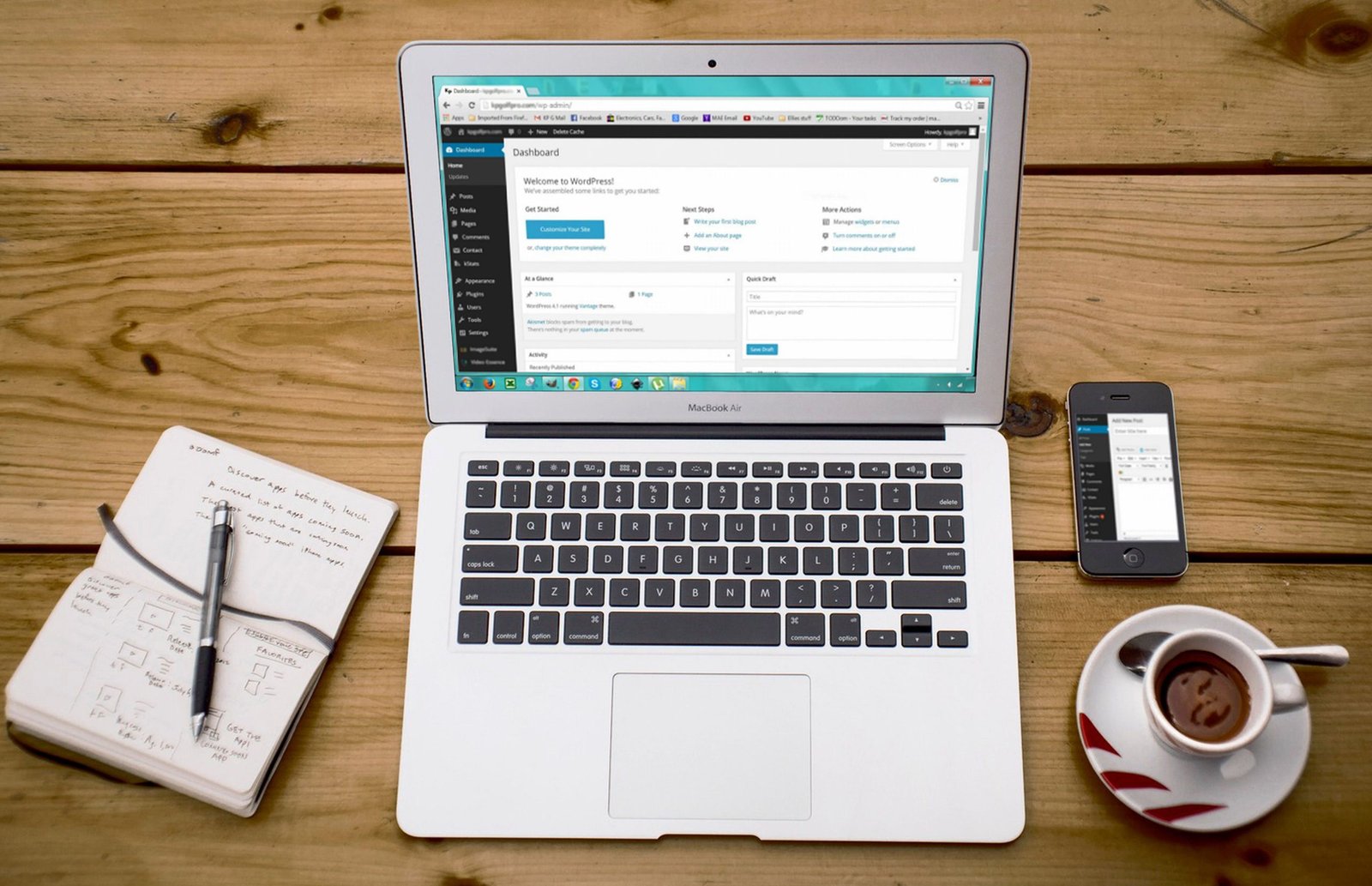
Using WordPress as a Powerful Affiliate Marketing Platform
I started using WordPress as an affiliate marketing platform about a year ago. I’ve had great results! WordPress’ blogging software is very easy to install and use. Also, Google loves it!
WordPress sites
There are two WordPress sites.
- WordPress.com
- WordPress.org
WordPress.com is a free blogging site like Blogger, Weebly, or any of a host of others. With the .com site, you don’t have to have your own web hosting. The big problem with WordPress.com is you can’t really monetize it, and you can’t modify the look and feel of it very much. So, if you’re interested in affiliate marketing, WordPress.com is not what you want. You want WordPress.org.
WordPress.com and WordPress.org are run by the same company. WordPress.org, however, is open source blogging software you download to your own site on your own host. Now, before you freak out, if you’re a technophobe, I’ve got two things to say about this downloading business:
- It’s really not hard to do. I don’t particularly like the technical aspect of internet marketing, yet I can do it.
- If you’re using a good web host, they can probably do it for you. Some charge a nominal fee, others don’t.
Either way, once you get the software downloaded to your own domain, you’re ready to go.
Your WordPress blog will look like any other generic blog. It will have menus for recent posts, categories, that sort of thing. For the purposes of affiliate marketing, you don’t need all of this. A lot of it can be deleted. Let’s talk about what you need to modify to make a decent affiliate marketing site. You can put your product descriptions where you post. Let the categories be the product lines.
For instance, if you were selling coffee makers, one category might be Krups, the other Black and Decker.
Features of WordPress
Page
WordPress has a “page” feature. You can make static pages that show up in your navigation bar. I use those to list all of the products from a certain line.
Recent Post
I also sometimes use the “Recent Posts” feature, although I don’t show the date of the post. I’ve set up a number of these small affiliate sites using WordPress as a platform. I’ll set them up, do a little search engine optimization on them, then leave them alone and let them run. They’re kind of like having several ATM machines that spit out money each month–except this money doesn’t come out of my bank account!
The way I advocate you do internet marketing is to do your research and choose a good niche, then use one of the many Web 2.0 sites, like Squidoo or Hubpages, to actually test your idea. Only when I find out a new niche has traffic and this traffic actually buys stuff do I move on to making my own site on my own domain.
If I’m selling a limited number of things, then WordPress has turned out to be an easy to use and very successful way to create a website.
Google is predisposed to love blogs, too! So, getting traffic to a WordPress blog should be easier than to your own static site.
How do you set up a WordPress affiliate site step by step?
Start with the niche, not with the website. The original post says it well: test the idea first, and only build your own site once you know the niche has traffic that actually buys. Pick a niche you can write about honestly, with products you understand. A narrow niche, such as coffee makers for small kitchens, is easier than a broad one, such as all kitchen appliances, because you can cover it properly and your readers will trust you.
Then set up the site in this order. First, buy a domain and hosting, and install WordPress from WordPress.org, not WordPress.com, because the .com version does not let you monetise properly. Second, choose a light theme that loads fast and looks clean on a phone. Third, install only the plugins you need: one for SEO, one for caching, and one for backups. Fourth, create one page per product line, as the original post suggests, and use categories for the product lines. Fifth, join one affiliate programme, not five, and add your links to the pages where they help the reader choose. Read our guide to affiliate marketing for beginners UK for the UK side of this, including which networks to start with and how disclosure works.
Keep the site small at first. Ten good pages that answer real buying questions will do more than fifty thin pages that repeat the same product details. Add one page at a time, and check which pages bring visitors before you build more.
How do you write a product post that earns clicks?
A product post earns clicks when it helps the reader decide, not when it repeats the manufacturer’s description. Start with the question the buyer is asking, such as which coffee maker suits a small kitchen, or whether a cheaper model is good enough. Answer that question in the first paragraph, then show the evidence: the size, the price, what it does well, and what it does not do well. A post that only lists good points does not build trust. A post that names one real drawback, and says who the product is not for, is more believable, and believable posts get more clicks.
Use your own words and your own photos where you can. A photo of the product in your own kitchen, or on your own desk, tells the reader you have actually used it. If you have not used it, say so, and base the post on careful research of real user reviews instead of inventing experience. Read our guide to how to write product descriptions that rank and sell for the same rules applied to a shop page: clear benefits, honest limits, and a direct answer to the buyer’s question.
Put the affiliate link where the reader is ready to act, which is usually after the answer and after the evidence, not in the first sentence. One clear link per product is enough. Several links to the same product on one page look pushy and do not earn more clicks.
| Page type | What to put on it | Why it helps |
|---|---|---|
| Product line page | The products in that line, with a short note on each | Visitors compare in one place |
| Single product post | The buyer question, the evidence, one drawback, one link | Helps the reader decide and builds trust |
| Comparison post | Two or three products, side by side, same points | Answers “which one should I buy” directly |
| Best of list | Your honest picks, with reasons, updated yearly | Brings search visitors looking for a shortlist |
Frequently asked questions
Can I do affiliate marketing on WordPress.com?
No, not properly. WordPress.com is the free hosted version, and it does not let you monetise the way you need to. Use WordPress.org, the self hosted version, on your own domain and hosting.
Do I need a plugin to add affiliate links?
No. You can add a link by hand in the editor. A plugin can help if you have many links to manage, or if you want to shorten them, but it is not required to start. Start with links added by hand, and add a plugin only when managing them by hand becomes slow.
How many products should one site cover?
Fewer than you think. Start with one product line and cover it well, with a page per product and one or two comparison posts. Add a second line only when the first one brings visitors. A site that covers one niche deeply will rank better than a site that covers five niches thinly.
How do I disclose affiliate links in the UK?
Say clearly, near the link, that you may earn a commission if the reader buys through it. The UK advertising rules require the disclosure to be clear and easy to find, not hidden in a footer. A short sentence at the top of the post is enough, and it also builds trust with readers.
Read our guide to the drawbacks of direct linking. Read our guide to eCommerce SEO strategies.