
Direct answer
A Google Business Profile is your listing on Google Search and Google Maps. Optimising it means claiming and verifying the profile, choosing the most specific primary category, keeping your name, address and phone number identical everywhere, filling in every field, adding photos, collecting reviews, and posting updates. It puts your business in the map pack when local customers search.
What is a Google Business Profile and why does it matter?
A Google Business Profile, often shortened to GBP, is the free listing Google gives every business to manage how it appears in Google Search and Google Maps. When someone searches for “plumber near me” or “cafe open now”, Google shows three local businesses above the normal results. That box is called the map pack, and your profile decides whether you are in it.
For a small business that serves a local area, the profile is usually the highest value free asset you have. It feeds the map pack, the local “near me” results, voice search, and the side panel that appears when someone searches for your business by name. According to the Whitespark 2026 Local Search Ranking Factors report, quoted in a UK guide, 8 of the top 10 ranking signals in the Local Pack come directly from the profile itself. That means the work you do inside the profile matters more than almost anything else for local visibility.
It also converts. Businesses with complete profiles receive 70 percent more clicks than those with incomplete ones, according to Google figures quoted in UK guides. Profiles with photos get 42 percent more requests for directions and 35 percent more click-throughs to their websites. Most UK small businesses claimed their profile years ago, filled in half of it, and have not touched it since. That gap is your opportunity.
Use this checklist with our wider local SEO checklist to cover the website side as well. The profile brings the visibility; your website turns it into enquiries.
How do I claim and verify my Google Business Profile?
Before you optimise anything, the profile must be yours and verified. Search for your business name plus your town in Google Maps. If a listing already exists, claim it. Google often creates a listing automatically the moment a business appears in its records, so do not create a second one. Duplicates confuse Google and split your reviews.
Verification proves you are the real business. Most new UK listings now require video verification. You record one continuous walkthrough showing your premises, signage, equipment, and proof that you trade there. Some businesses are offered a postcard to the business address or a phone call instead. Until you are verified, your profile will not appear in search, so this step is not optional.
If you run a service area business, such as a plumber or cleaner who visits customers, you can hide your home address and set the towns you serve instead. You still need a real address for verification, but customers will not see it.
Which category should I choose for my business?
Your primary category is the single biggest ranking lever on the whole profile. A listing with the category “Plumber” and a listing with the category “Emergency Plumber” will rank for completely different searches, so being specific pays. Pick the category that describes the service you most want to rank for, not the broadest one that covers everything you do.
Look at the three businesses already in the map pack for your main keyword. The category they share is almost always the one you need. You can add secondary categories too, up to nine, but they should describe what you actually do. Aim for three to five. Review the list every six months, because Google adds and retires categories regularly.
The optimisation checklist
Work through this list in order. Most small businesses can finish it in one afternoon.
| Step | What to do | Why it matters |
|---|---|---|
| 1 | Claim and verify the profile | An unverified profile does not appear in search at all |
| 2 | Set the most specific primary category | The strongest on-profile ranking signal you control |
| 3 | Add three to five secondary categories | Covers your other real services without diluting the main one |
| 4 | Match name, address and phone exactly to your website | Google cross-checks these details everywhere and trusts consistency |
| 5 | Set a service area if you visit customers | Shows you in searches across the towns you actually serve |
| 6 | List every service with a short description | Gives Google more to match you with and gives customers more reason to choose you |
| 7 | Add products, and connect Merchant Center if you sell online | Product listings can appear in local shopping results |
| 8 | Tick every attribute that genuinely applies | Details like wheelchair access or free Wi-Fi help customers choose |
| 9 | Upload twenty real photos and one short video | Photos bring measurably more calls and direction requests |
| 10 | Write a 750 character business description | Your one chance to say what you do, for whom, and where, in your own words |
| 11 | Add a booking or ordering link if you take appointments | Turns a searcher into a booking without an extra step |
| 12 | Seed and answer five questions in the Q and A section | Anyone can ask a question on your profile, so answer the obvious ones first |
| 13 | Set up a routine for asking every customer for a review | Reviews are the top conversion and ranking factor after categories |
| 14 | Add UTM tracking to your website link | Lets you see in analytics exactly what the profile sends you |
| 15 | Post an update every fortnight | Fresh activity signals that the business is alive and trading |
How do I keep my name, address and phone number consistent?
NAP stands for Name, Address, Phone number. These three details need to be identical everywhere: your profile, your website, every directory you are listed on, and your social profiles. Not similar. Identical. “St” versus “Street” matters. “Ltd” versus “Limited” matters. Google uses this consistency as a trust signal, and mismatches erode its confidence in your listing.
Use one canonical format and copy it everywhere. For a UK business, that means the building number, street, town, and full postcode, in the same order, and a single phone number in one format, for example 0121 285 8490. Check it against Companies House, Yell, FreeIndex, and Bing Places too, because Google cross-checks your details against those sources. If you move premises or change numbers, update every listing the same week.
Your website plays a part here as well. Put the same name, address, and phone number in your footer and on your contact page, and make sure your internal linking for SEO connects your service pages to each other, so the site behind the profile is easy for Google to understand.
What should I fill in on my profile?
Every empty field is ground you have given away. Work through them all.
Your business description allows 750 characters. Use them. Say what you do, who you do it for, and which towns you serve. Weave in your main keyword naturally, but write for humans first and Google second. Do not stuff it with keywords.
List every service with a short description and a price where you can. Add your opening hours, including bank holidays and Christmas, because wrong hours are one of the fastest ways to lose trust. If you sell products, add them with photos. Tick every attribute that genuinely applies, such as “women-owned”, “wheelchair accessible”, or “free Wi-Fi”. Add a booking or ordering link if you take appointments.
Photos deserve real effort. Upload at least twenty to start: exterior shots, interior shots, your team, your work, before and after photos where they apply. Then add two to three new photos every month from real jobs. A short video of your premises or your team at work helps too. Use real photos of your business, not stock images. Customers can tell the difference, and so can Google.
| Photo type | What to show | How often |
|---|---|---|
| Exterior | Shopfront, signage, entrance, parking | Once, then again if it changes |
| Interior | Counter, seating, work areas, products on display | Once, then again after a refit |
| Team | Real staff at work, not posed portraits | A few times a year |
| Work | Finished jobs, before and after, products in use | Two to three new photos a month |
| Video | A short walkthrough of the premises or team at work | One to start, then one a year |
How do I get more Google reviews?
Reviews are gold. Google confirms that more reviews and higher ratings improve your local ranking, and customers read them before they ring you. The method is simple: ask every happy customer, at the moment the job finishes, with a direct link. Google gives you a short review link for your profile. Put it in a follow-up text or email the same day, while the job is fresh in the customer’s mind. Consistency beats campaigns. A steady two or three reviews a month is worth more than twenty in one week and then nothing for a year.
Reply to every review, good and bad. Thank the good ones by name and mention the job. For a bad review, stay calm, apologise for the experience, and offer to put it right offline. Future customers read your replies as closely as the reviews themselves.
Never buy reviews and never offer anything in exchange for one. Google removes them and can suspend your profile. A suspended profile takes days or weeks to reinstate, and you lose the map pack entirely while it is gone.
| Mistake | What happens | The fix |
|---|---|---|
| Unverified or duplicate listing | Profile does not appear, or reviews split across two listings | Claim the right listing, merge duplicates, verify once |
| Vague primary category | You rank for searches you do not want and miss the ones you do | Pick the most specific category for your best earning service |
| NAP mismatches | Google trusts the listing less and local rankings slip | One canonical format, copied identically everywhere |
| No photos or stale photos | Fewer calls and direction requests than competitors with photos | Twenty real photos to start, two to three new ones a month |
| Ignoring reviews | Customers read silence as indifference | Reply to every review within a few days |
| Bought or incentivised reviews | Reviews removed, profile can be suspended | Ask every happy customer and earn them one by one |
What should I post on my profile?
Post an update every fortnight. It takes five minutes and it signals that your business is active. Good posts are short and useful: a seasonal offer, a new service, a finished job with a photo, an event you are part of, or a change to your hours. Add new photos monthly.
You do not need to post every day. A fortnightly rhythm you keep for a year beats a daily burst that stops after a month. Set a repeating reminder and treat it like any other small business routine.
How do I know if my profile is working?
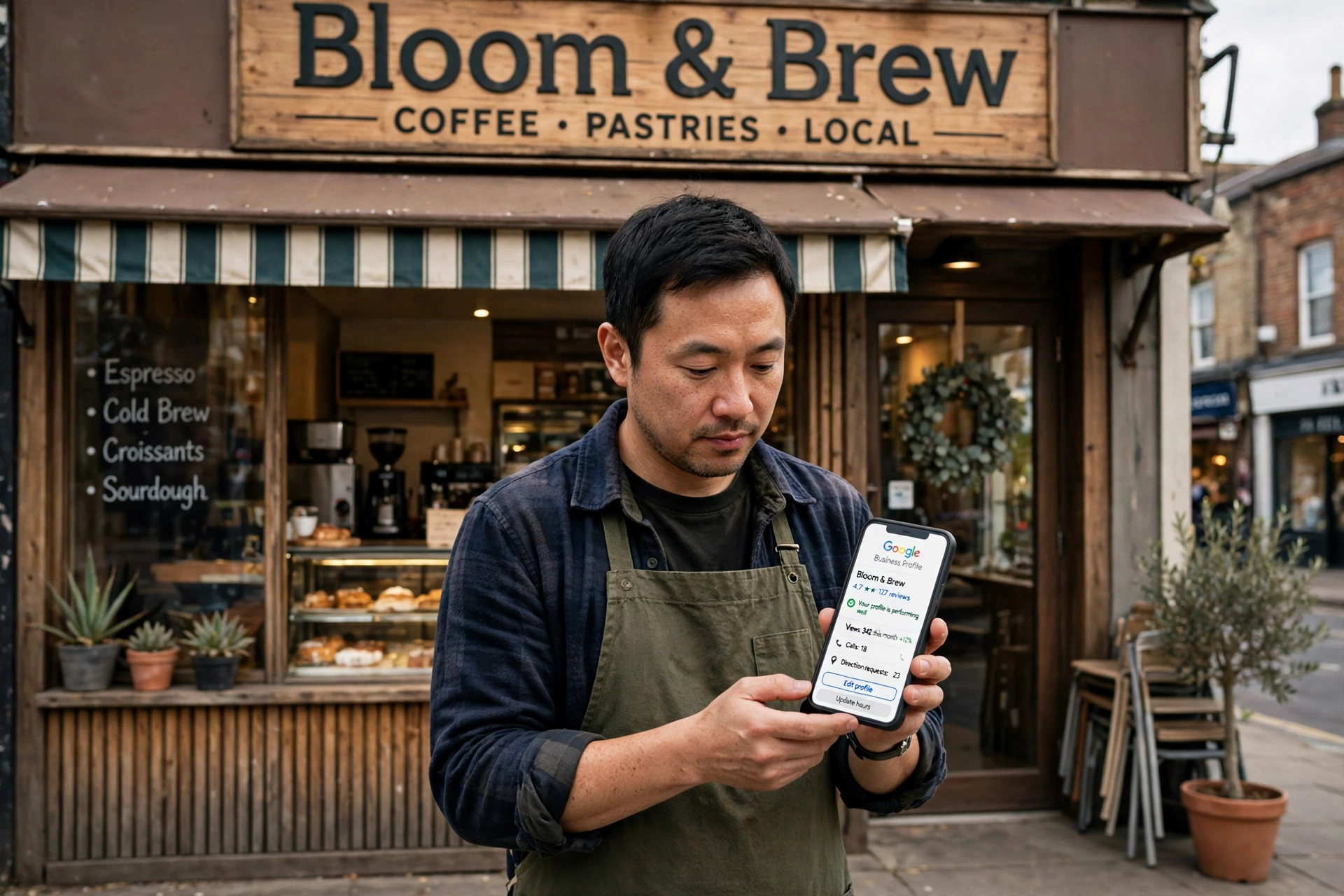
Check the performance report in your profile once a month. It shows how many people found you, what they searched for, and what they did next: called you, asked for directions, or visited your website. Note the search terms, because they tell you what customers actually call your service.
Track four numbers each month: calls from the profile, direction requests, website clicks, and enquiries that mention Google. If calls are rising and the search terms match your services, the profile is doing its job. If a search term keeps appearing that you do not serve, adjust your categories and services. If nothing moves after three months of steady work, check the basics again: is the primary category right, are reviews coming in, and are photos being added?
Frequently asked questions
Is a Google Business Profile free?
Yes. Claiming, verifying, and optimising a Google Business Profile costs nothing. Google may offer paid ads around it, but the profile itself, including posts, photos, reviews, and the Q and A section, is free for every business.
How long does Google Business Profile verification take?
Video verification is usually reviewed within a few days. A postcard takes around five working days to arrive in the UK, and the code on it must then be entered in your profile. If verification fails, check that your business name, address, and category match your website and Companies House record, then try again.
Can I use a Google Business Profile without a shopfront?
Yes. If you visit customers, set your business as a service area business, hide your address, and list the towns you serve. You still need a real address for verification, but customers will see only your service area.
Do I need a website for a Google Business Profile?
You can claim a profile without a website, but a website makes it work much harder. The profile links to your site, and customers who want detail will click through. A simple site with one page per service, your contact details, and your reviews is enough to start.
What should I do about a bad Google review?
Reply calmly and quickly. Apologise for the experience, say what you will do about it, and invite the customer to contact you directly. Do not argue in public. If a review is fake or breaks Google’s rules, report it through your profile, but expect most genuine reviews to stay.
How often should I update my Google Business Profile?
Post an update every fortnight, add new photos monthly, and review your categories, services, and hours twice a year. Ask for reviews after every finished job. A profile that is updated regularly outranks one that was filled in once and forgotten.
Conclusion
A Google Business Profile is the cheapest visibility a UK small business can buy, because it is free and it decides the map pack. Claim and verify it, pick the most specific category, keep your name, address, and phone number identical everywhere, fill in every field, add real photos, ask every happy customer for a review, and post every fortnight. Work through the checklist in one afternoon, keep the weekly routine going, and check the performance report monthly. That is the whole system, and it is enough to put a small business in front of the local customers who are ready to ring.